How Digo works
Digo is a disc golf bag and coach you talk to. The fiddly parts, like keeping track of your discs, comparing them and remembering what you’re working on, take seconds, because you just say it.
Just tell Digo
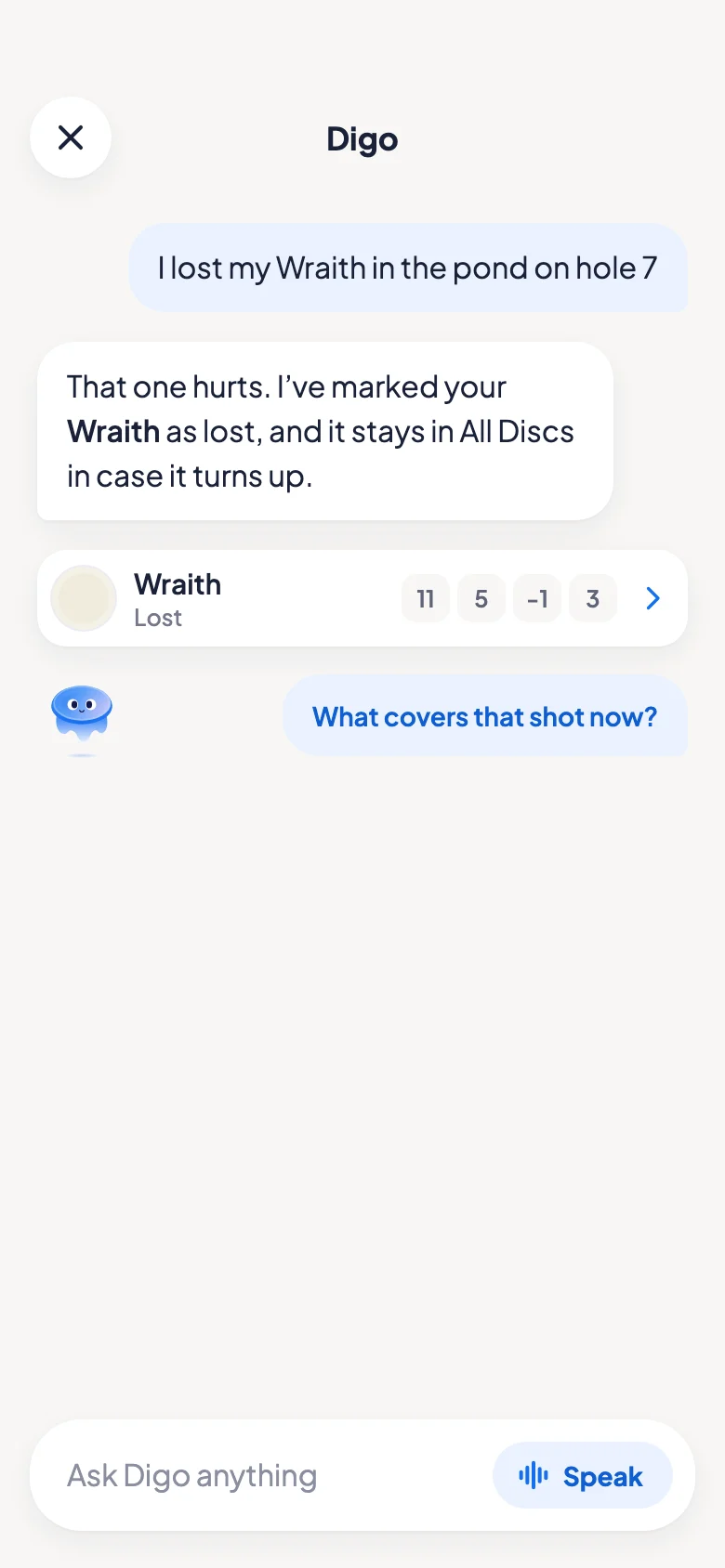
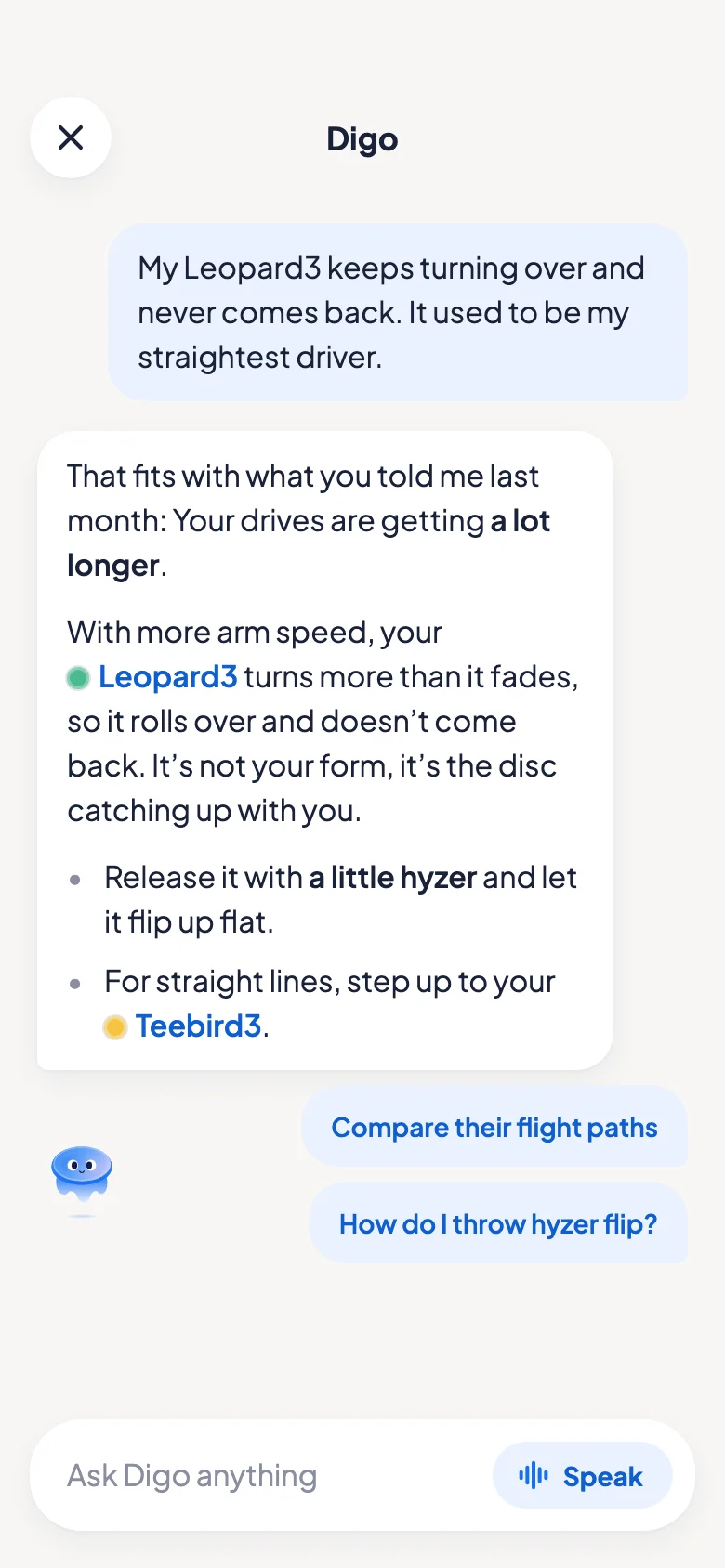
Add a disc, mark one lost, or ask why a throw went wrong, just by saying it. Digo answers with what it already knows about your game. Type it, or say it out loud.
- I just bought a Zone SSAdded to your bag
- I lost my Wraith in the pond on hole 7Marked lost, kept in All Discs in case it turns up
- How do my Teebird3 and Firebird compare?Their flight paths, side by side
Digo remembers what matters
What each disc is for, how it flies for you, what you’re working on. You never have to say it twice, and it’s kept where you can see it, never buried in an old chat.
- Zone SSYour headwind approach
- TrailControlled distance
- You’re working onSteadier putting in the circle
Every bag, every disc
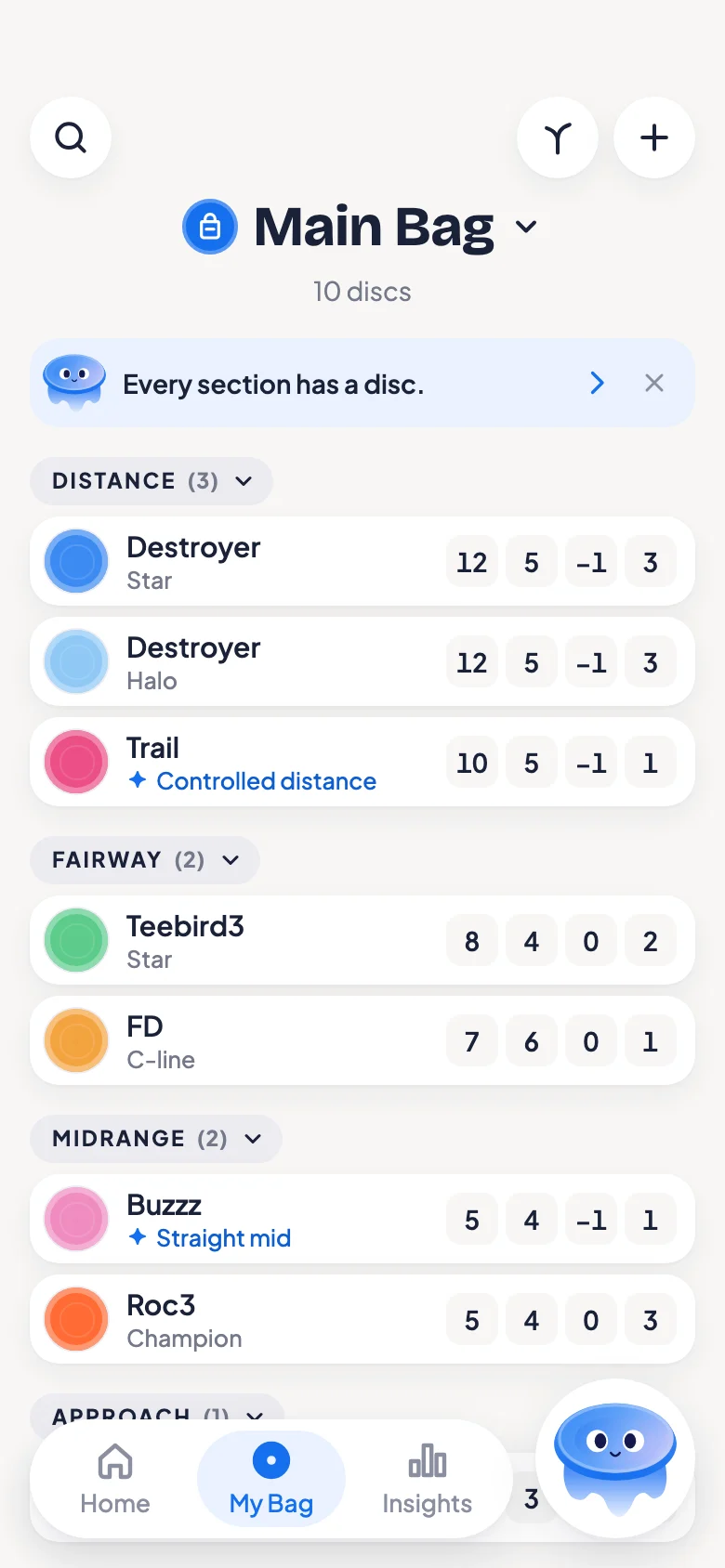
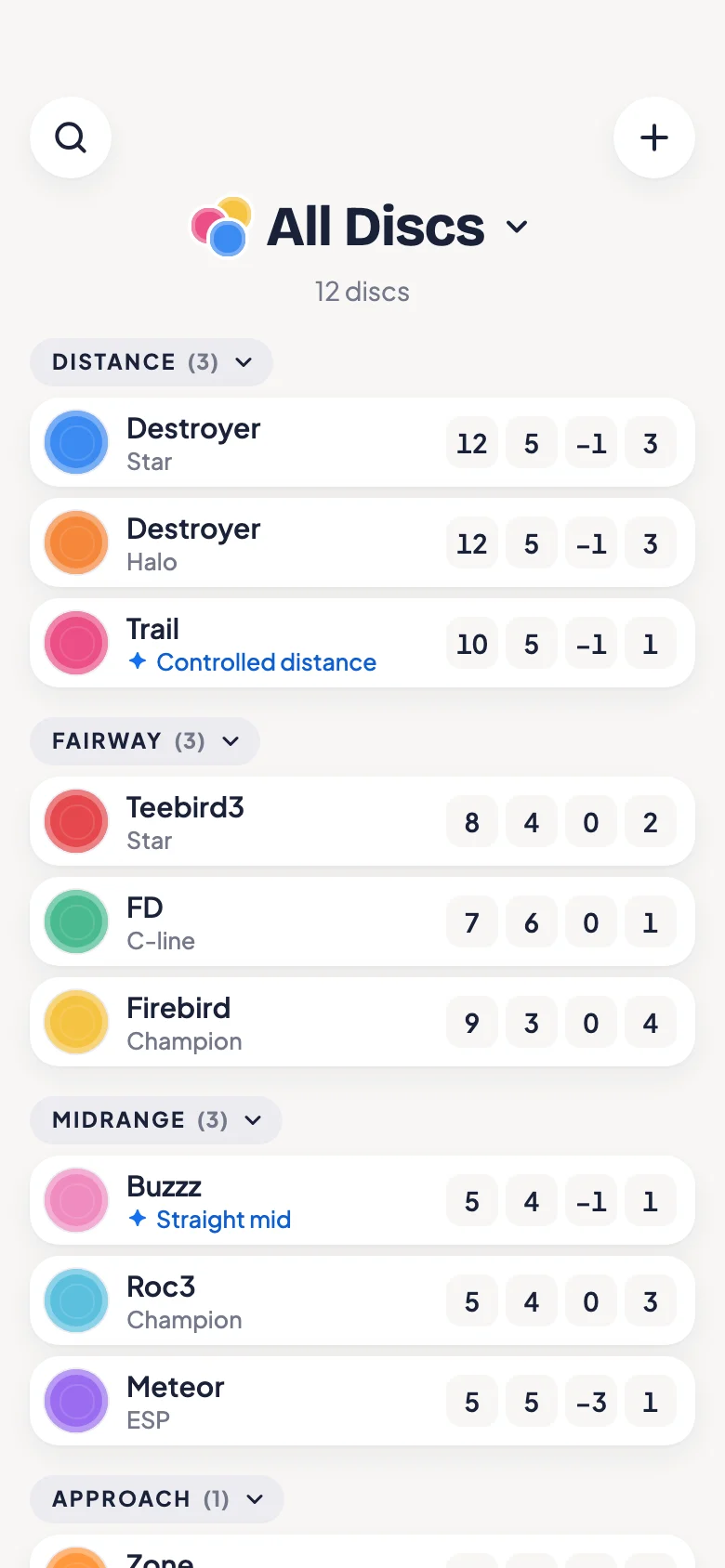
A bag shows each disc with its flight numbers and what it’s for. All Discs holds everything you own, the lost ones too.
- No limits. Make as many bags as you like, for a course, for the wind, for practice, with as many discs as you own.
- Yours to edit. Change any detail of a disc, how worn it is, and add a photo of your own.
- Digo notices. Now and then a line at the top of your bag, like two discs that overlap on paper. A tap talks it through.
- Simple to sort. Group and sort with just the options you need, and nothing in the way of the real question: Do you have the discs your game needs?
Home, where Digo meets you
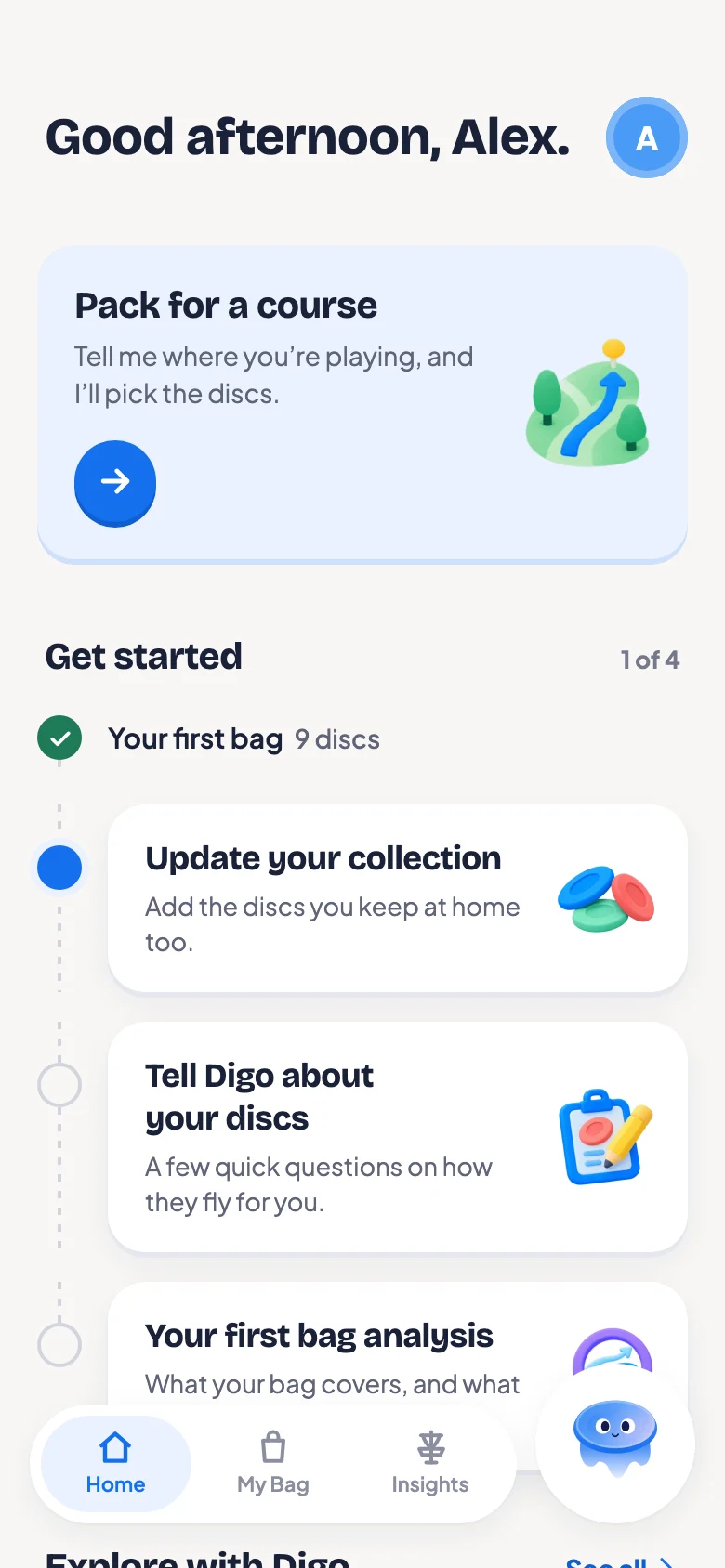
Digo greets you and puts one good next step at the top. While you’re new, Get started walks you through setting up, one step at a time. Under it, conversations about your bag that are ready to go, a tap away.
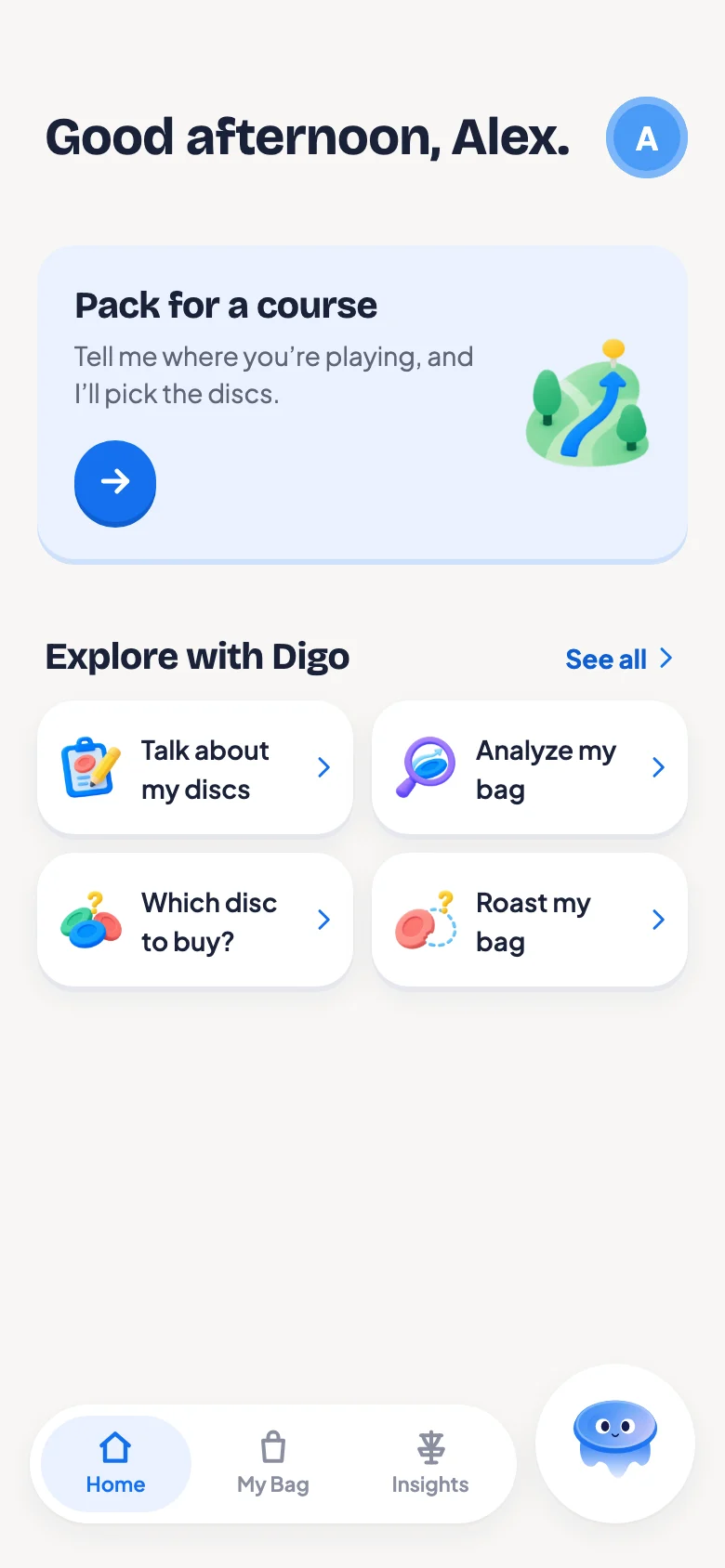
 Talk about my discs
A few quick questions on how each disc flies for you.
 Analyze my bag
What your bag covers, and what it doesn’t.
 Which disc to buy?
A pick that fits what you carry and how you throw.
 Roast my bag
An honest look at your bag, and a little cheeky.
 Pack for a course
Say where you’re playing, and Digo picks the discs.
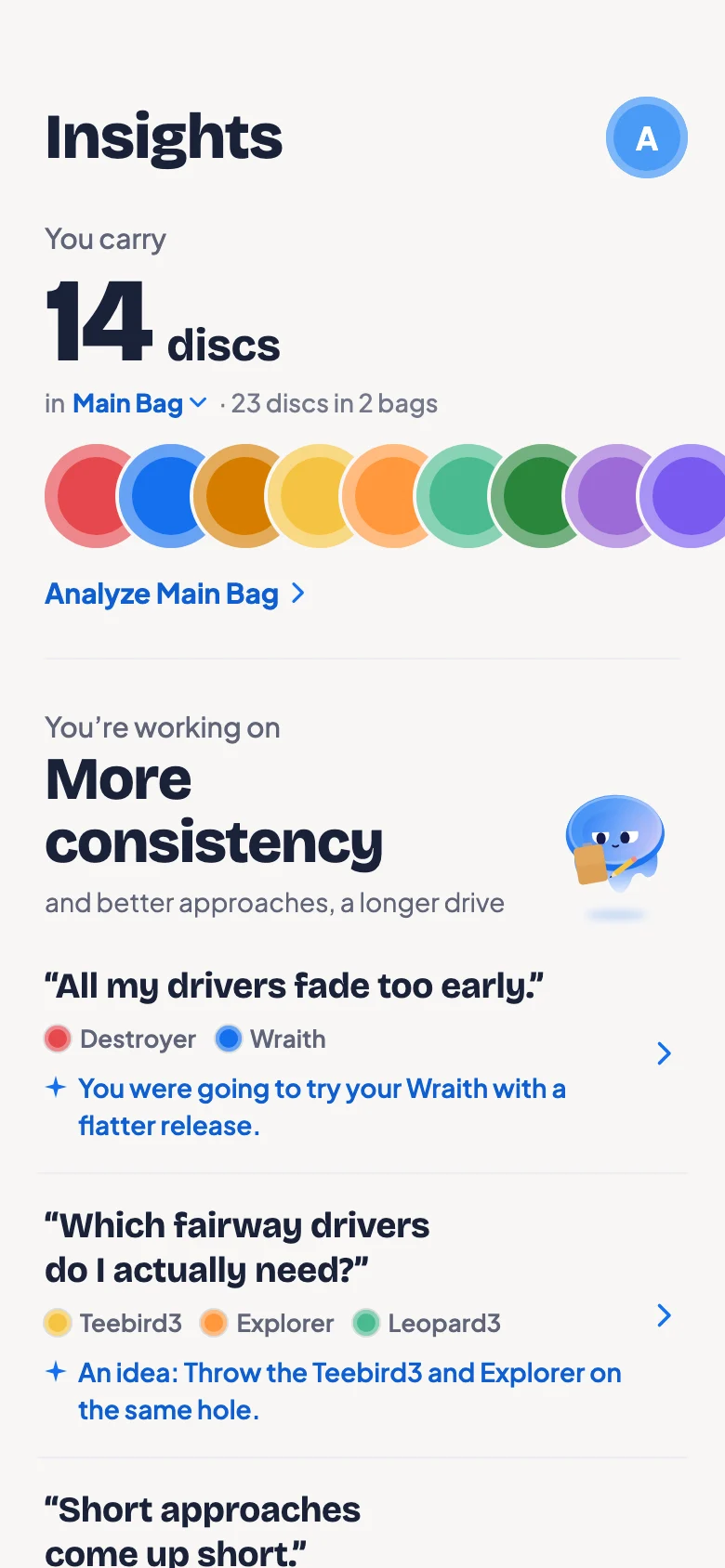
What you’re working on, in one place
Insights keeps your aims and the problems you’ve talked through with Digo, each with what you said, what you’re trying and how it went.
Come back to one and Digo picks up where you left off. When it’s sorted, it moves to what you’ve worked through together.
Two tools for your bag
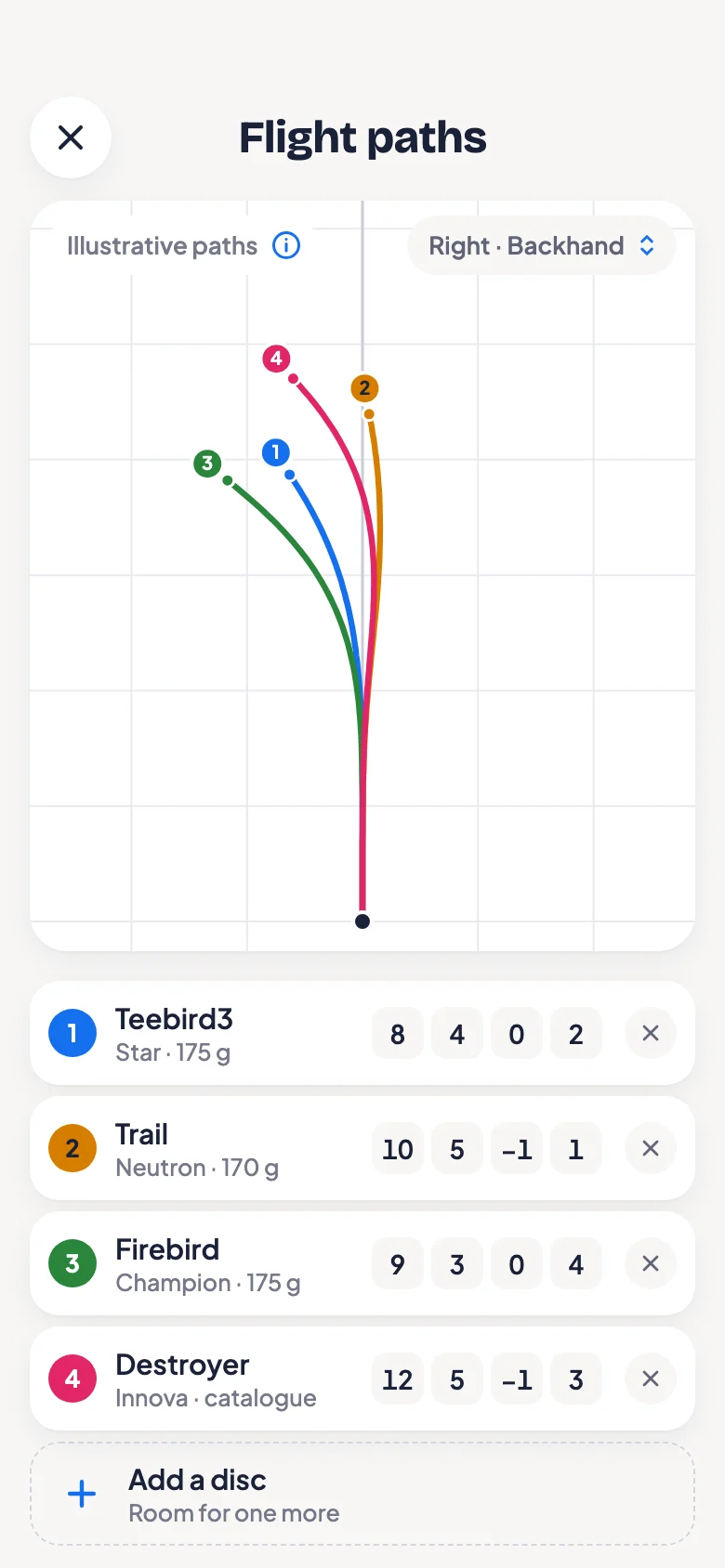
Flight paths
Up to five discs on one diagram, from your bag or any disc. Open it from a disc or your bag, or ask Digo to compare.
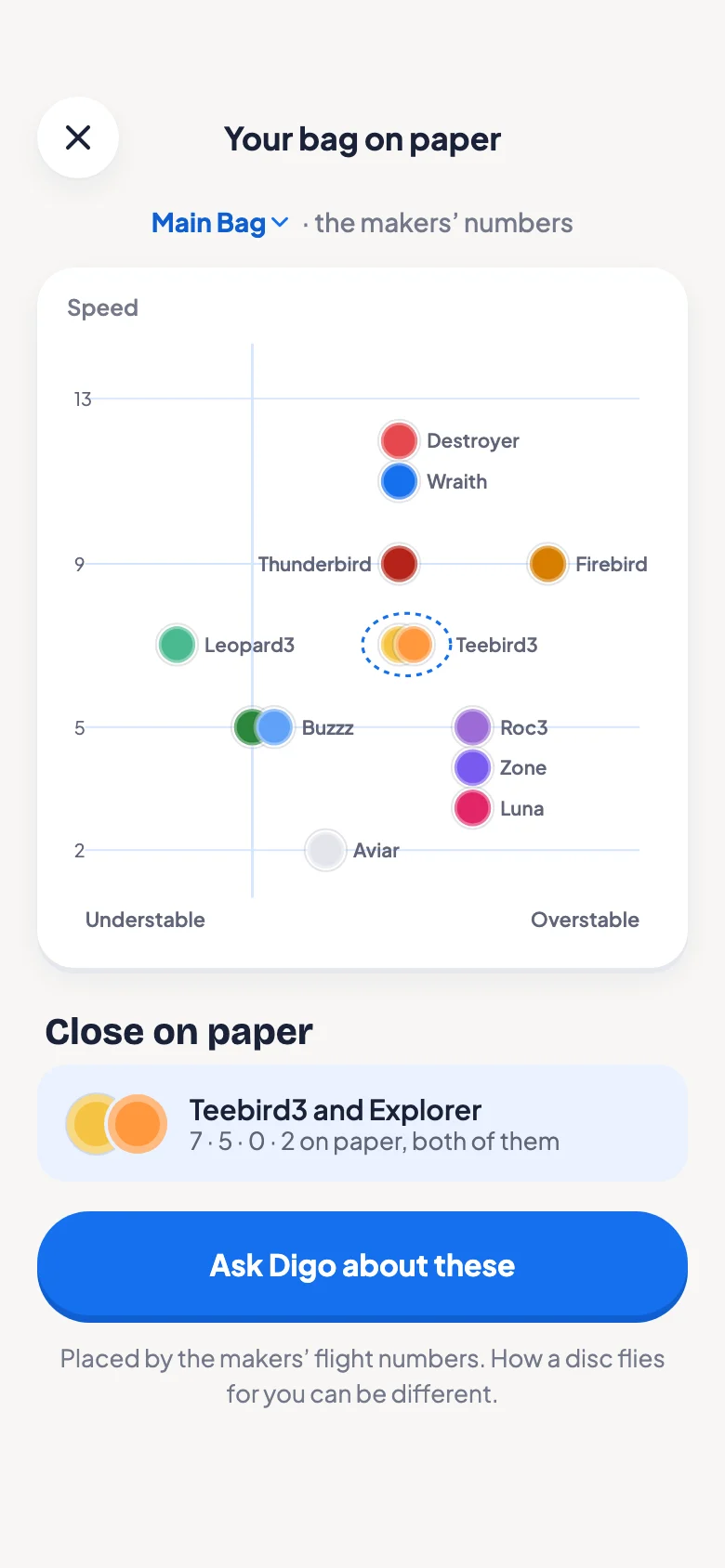
Your bag on paper
Every disc on one map of speed and stability, from the makers’ numbers. Discs that sit close together stand out.
Be among the first to throw with Digo.
Digo comes to the App Store soon. Leave your email and you’ll hear the day it’s out.
Get early accessStill curious? Read the FAQ